This guide shows you how to use the Plume Home app to finish setting up your new router and continue getting the most out of your EPB Smart Net Plus WiFi.
Before You Start
Make sure your Smart Net Plus router is plugged in and fully powered on. The internet light should be solid.

Step One: Download the Plume Home app
App Store
Google Play Store
Step Two: Confirm your email address
Check your inbox for an email from Plume Support (accounts@account-plume.com).
Select Confirm my email.
Choose Continue WiFi setup, then select Open to return to the Plume Home app.
Step Three: Sign in
Open the Plume Home app.
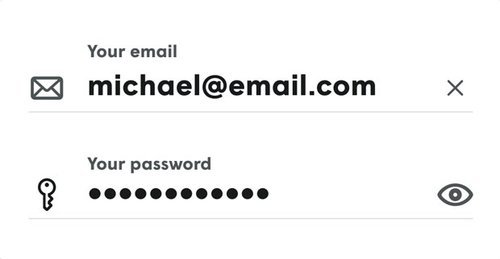
Sign in using your email address.
Create a password or sign in by email. If you sign in by email, check your inbox for a confirmation email.
Review and accept the Terms of Service, Privacy Policy and Notice of Collection. Then tap Next.
Step Four: Set up your WiFi network
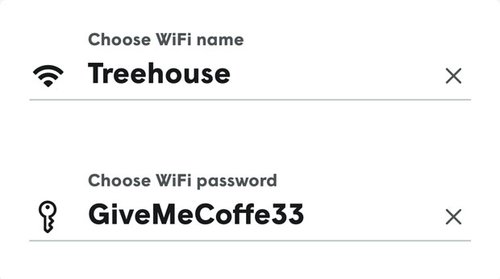
Choose a name and password for your WiFi network (SSID).
If you use the same name and password you had for your old router, all of your devices should connect to your WiFi network automatically.
Step Five: Connect to your router
Hold your smartphone near the router.
The app will locate the router automatically.
Configuration typically takes 2–3 minutes.
Step Six: Join your new WiFi network
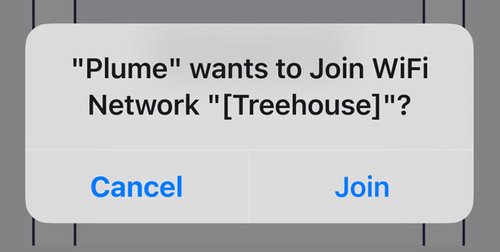
Tap Next until you see a message prompting you to join the WiFi network.
Tap Join to connect your smartphone to your new router. Your phone is now connected to your home’s WiFi.
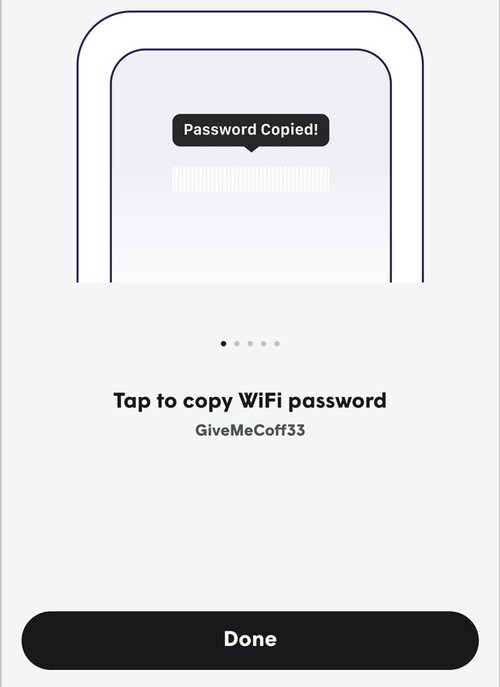
Step 7: Complete setup
Select Done to finish setup.
Your EPB Smart Net Plus WiFi service is now ready for streaming, gaming, working and connecting all your devices.
Manage & optimize your WiFi with the Plume Home app
The Plume Home app includes features designed to help you monitor, secure and optimize your EPB Smart Net Plus WiFi.
View connected devices.
Create user profiles.
Enable security features like online defense and ad blocking.
Set parental controls and time limits.
Prioritize profiles, devices and specific apps using Traffic Boost.
And more
Need additional support?
Your EPB Smart Net Plus WiFi service comes with local, expert 24/7/365 support from the EPB Tech ProsSM.